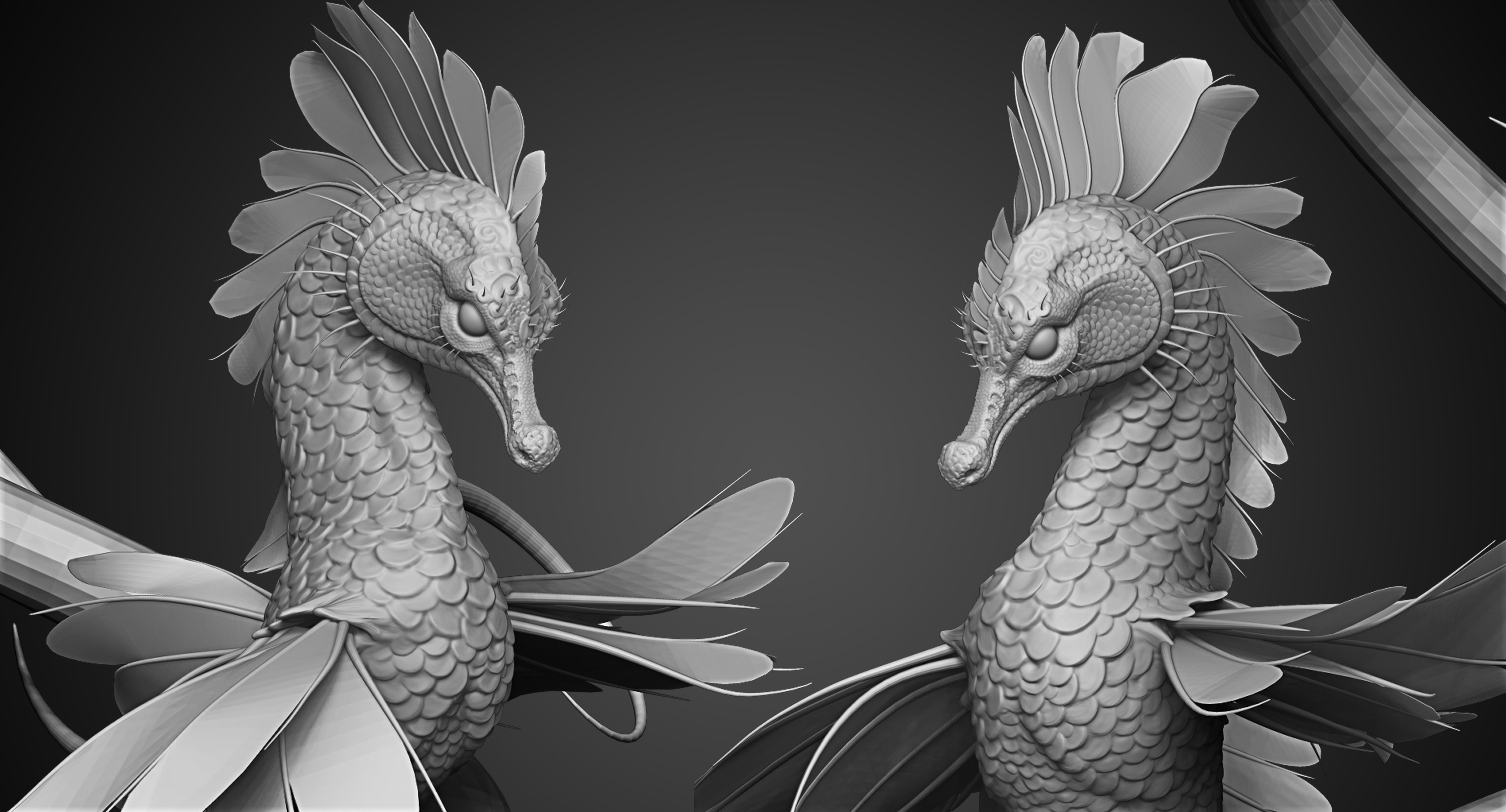
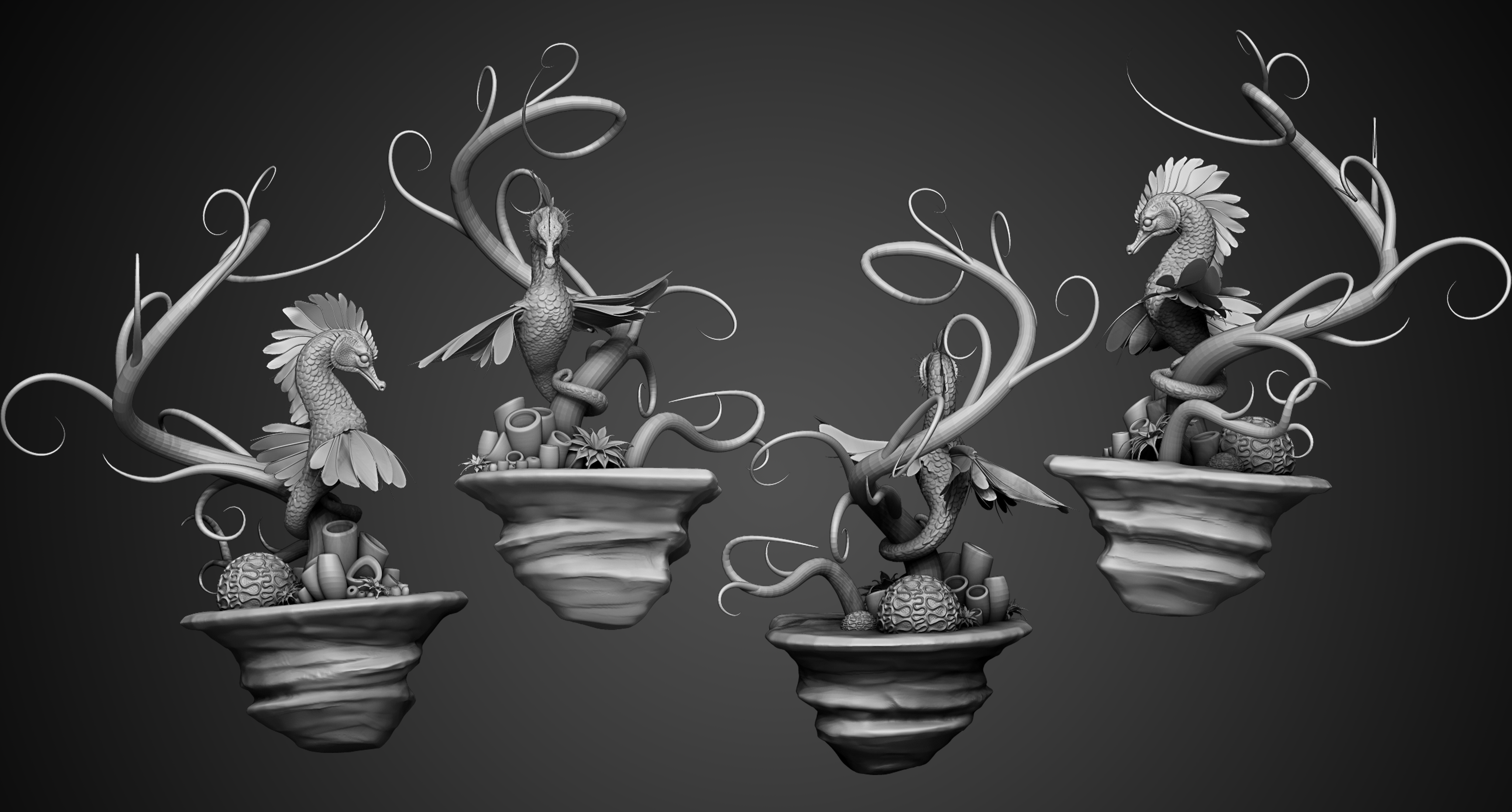
WIP: Elegant Seahorse Part VI

I think I have come close to finishing the details on the seahorse (yay! ) and now all I have left to do is the environment assets. I have already begun Uving Coral parts for texturing. Once I have finished UVing this little project, I plan on using exclusively Substance Painter 2 to generate my textures! I am really looking forward to getting to play with some textures and shaders!
<< WIP: Elegant Seahorse Part V || WIP : Elegant Seahorse Part VII

Comments

Popular posts from this blog

Scales Generator Parameter Breakdown

I Recently finished my scales generator. This is a fairly flexible generator that allows you to do quite a lot of things. The generator is availalbe on substance share here : Scale Generator . Check out the parameter list below.

Exploring Scales With Substance Designer

Preface Some of my first blog posts focused around how to create a "scale " material from texture to render in Maya with V-ray. The Series " Making A Seamless Scale Material " took a more "traditional" approach to creating a tile-able scale pattern. I think this method still has its strengths as it also covers valuable tips and tricks that can be used in Illustrator and Zbrush, but I wanted to share another method for creating scales by using a program dedicated to creating scale-able, flexible, and tillable procedural textures in a node based- lossless editing environment. I have been using Substance Designer almost exclusively for texture generation for the last year now and the amount of flexibility and possibilities that can be created are virtually endless. In truth, Substance Designer is no walk in the park for traditional texture artists. Its node based editing system and use of procedurals require you to think in a different way- but in the ...

Making a Seamless Scale Material Part I

Today, I wanted to share my process for creating a seamless, scale-able material that can either be projected onto Zbrush models or applied as materials to UV'd models inside of programs like Maya and 3Ds Max. I used this when creating my unique stylized scale surfaces. You can find breakdowns for them here : Stylized Scale Materials This is a tutorial that will be split into four parts. Below is an outline on what we will cover.  This post will be addressing part 1.            Part 1:  Approaching Scales and Creating a Pattern.           Part 2:  Refining your pattern in Zbrush.           Part 3: Creating a compelling and believable scale Material inside of Maya I will be using the following programs to create my Scale material : Adobe Photoshop (optional) , Adobe Illustrator (optional), Zbrush , Vray and Maya.  Part 1: Approaching and Creating A Pattern ...